Master painter · 25 years on the brush
Your room. Any color. Before you open the can.
Upload a photo and our AI paint visualizer shows your room in any color in about 30 seconds — built on Jan Walter's 25 years of professional painting experience.
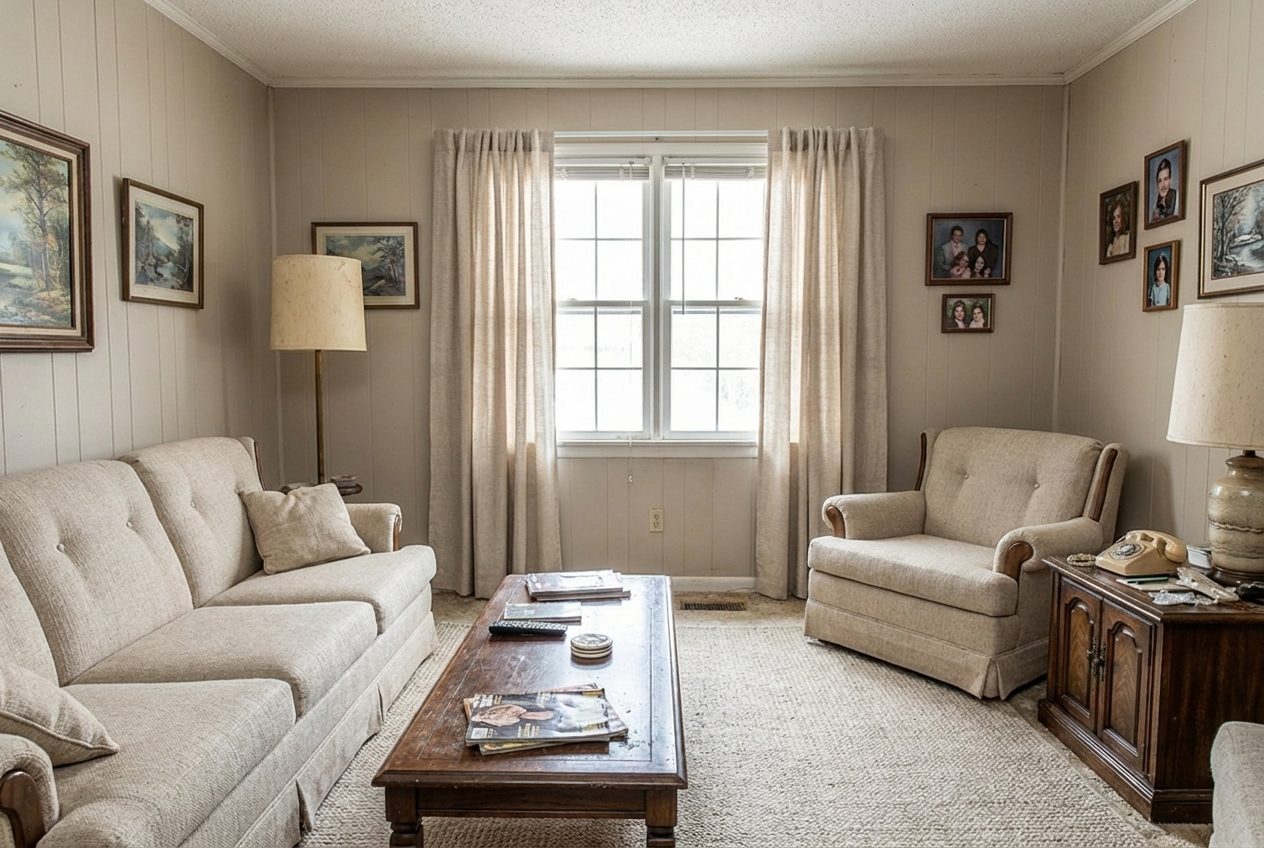
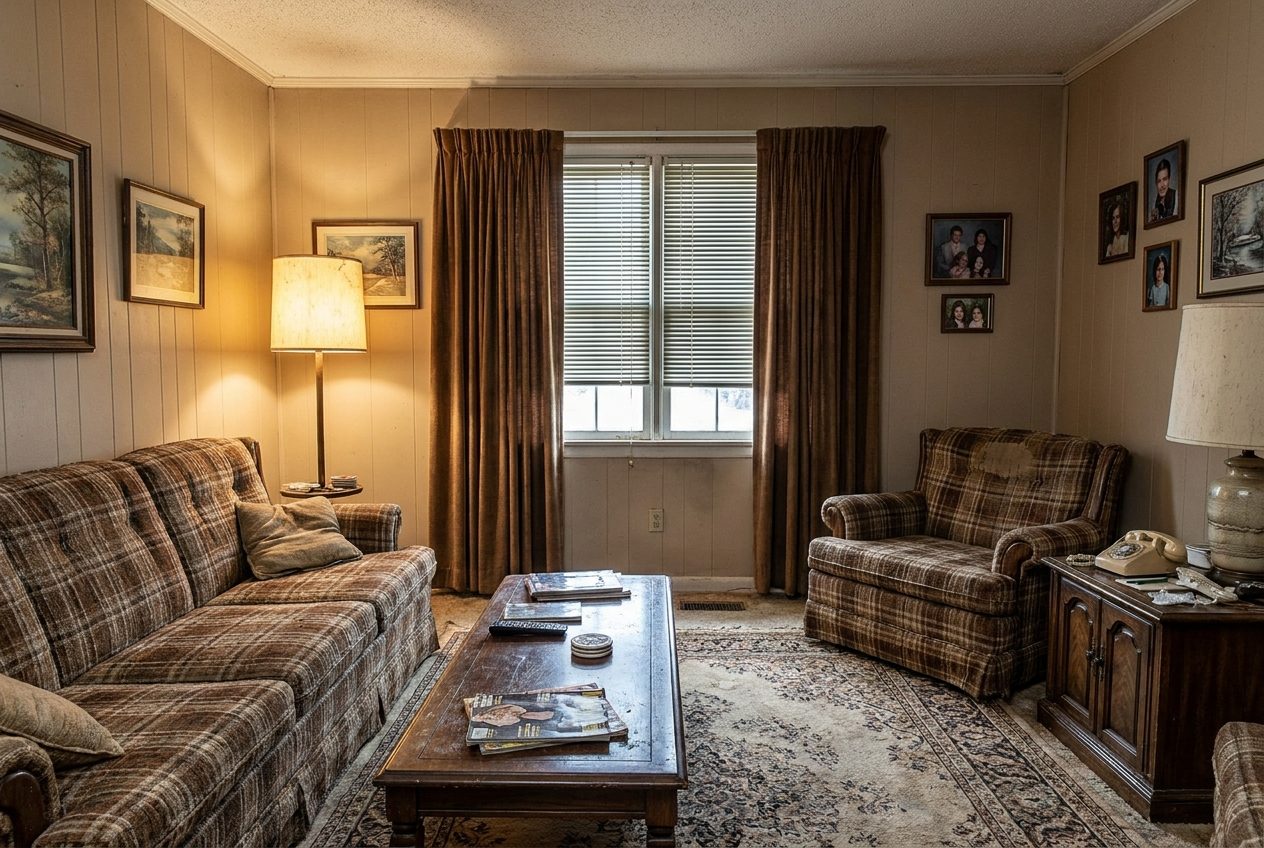
How the AI Makeover studio works
Snap a photo
One straight-on shot of your room in decent light. Phone photos work fine.
Pick a look
Choose a preset or describe the color you’re curious about. The AI repaints your actual walls.
Paint with confidence
Jan’s guides walk you through prep, tools, and technique so the real thing matches the preview. Browse guides
From Jan's notebook
Guides written from 25 years of jobsites — no fluff, just what works.
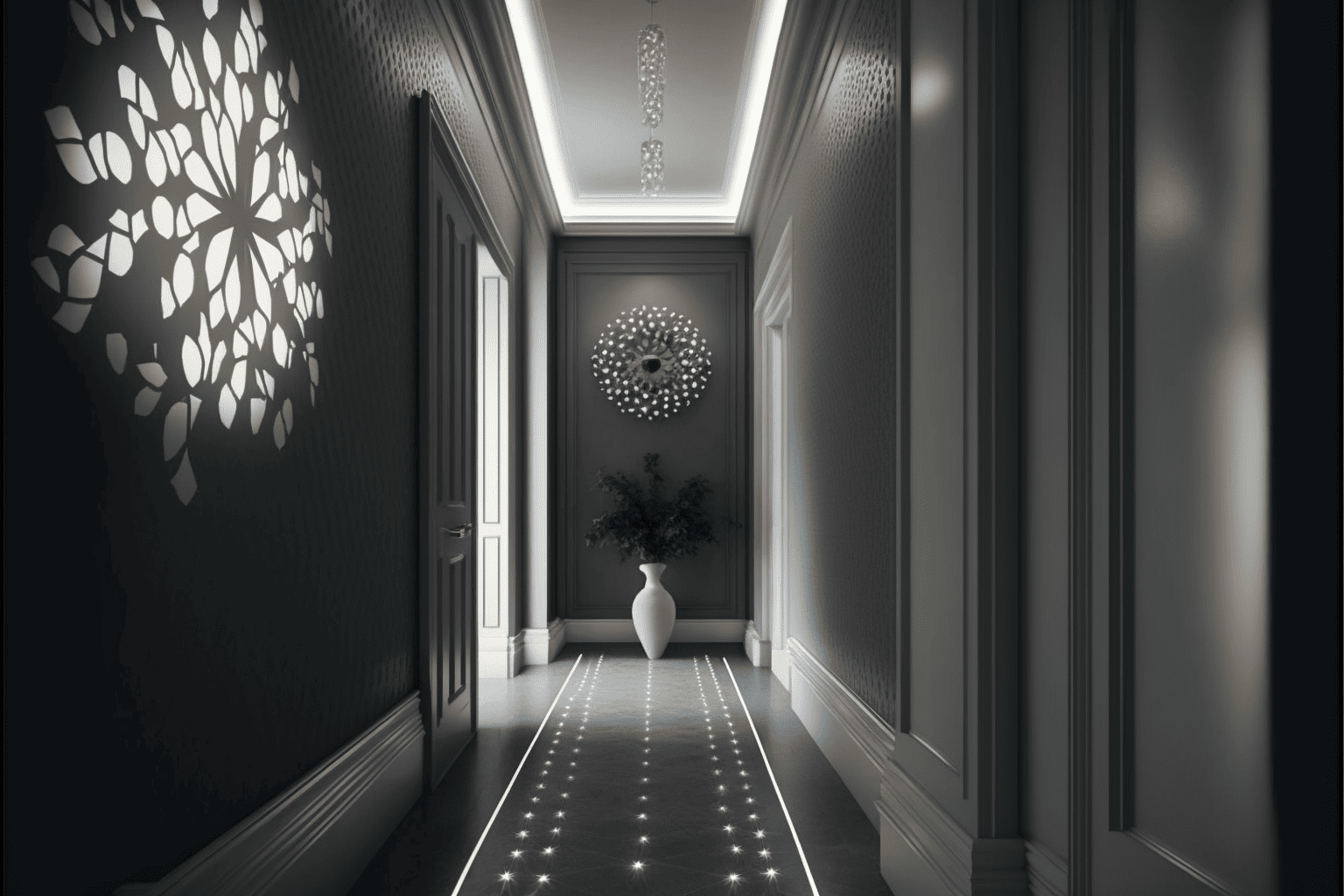
How to Design Your Dream Home with the Help of AI
Transform your home design process with AI tools. Learn how to use artificial intelligence for room layouts, color schemes, and interior design inspiration.
Read the article →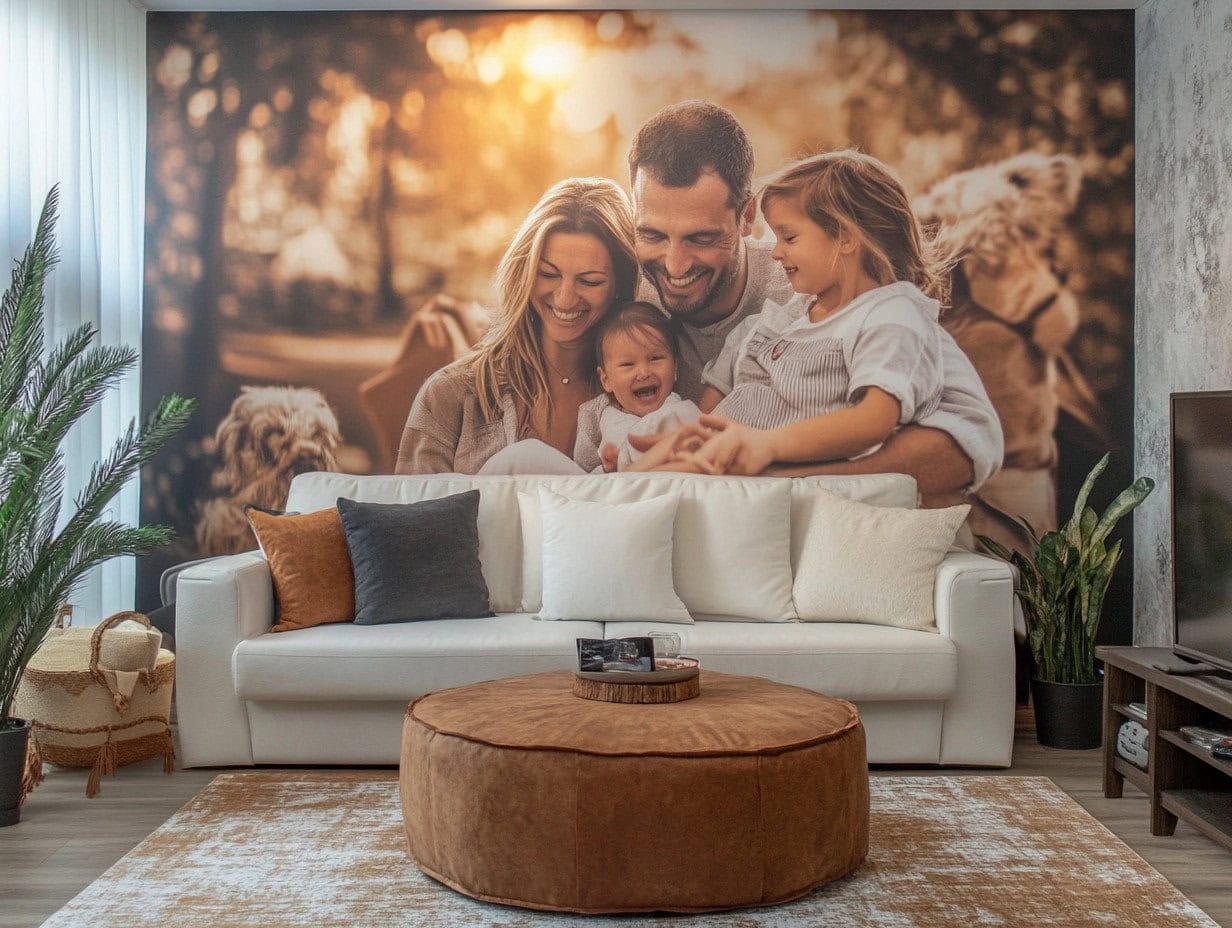
How to Design Your Own Custom Wallpaper (And Where to Buy It)
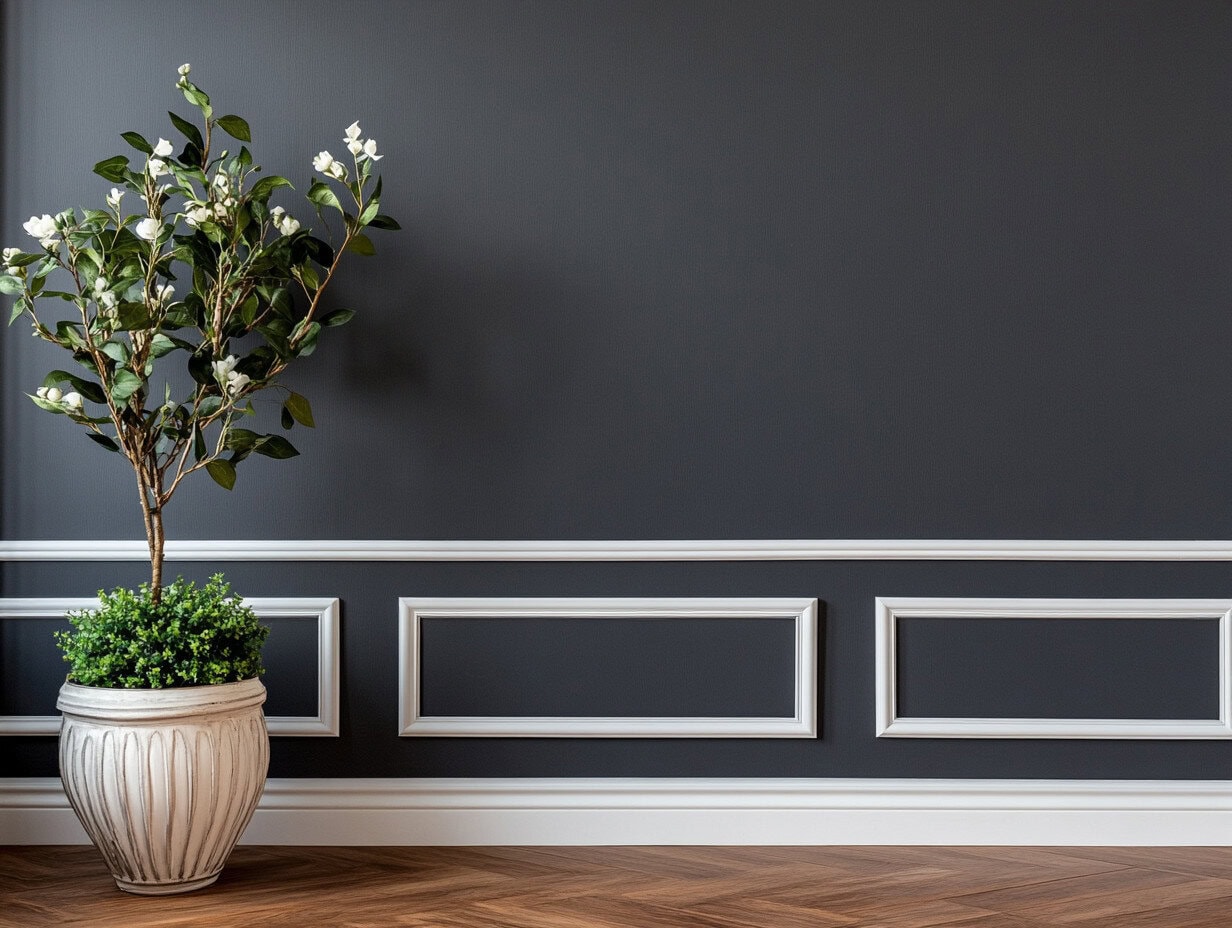
The Beginner’s Guide to Paint Finishes: Gloss, Satin, Matte, and More

How to Paint Galvanized Metal
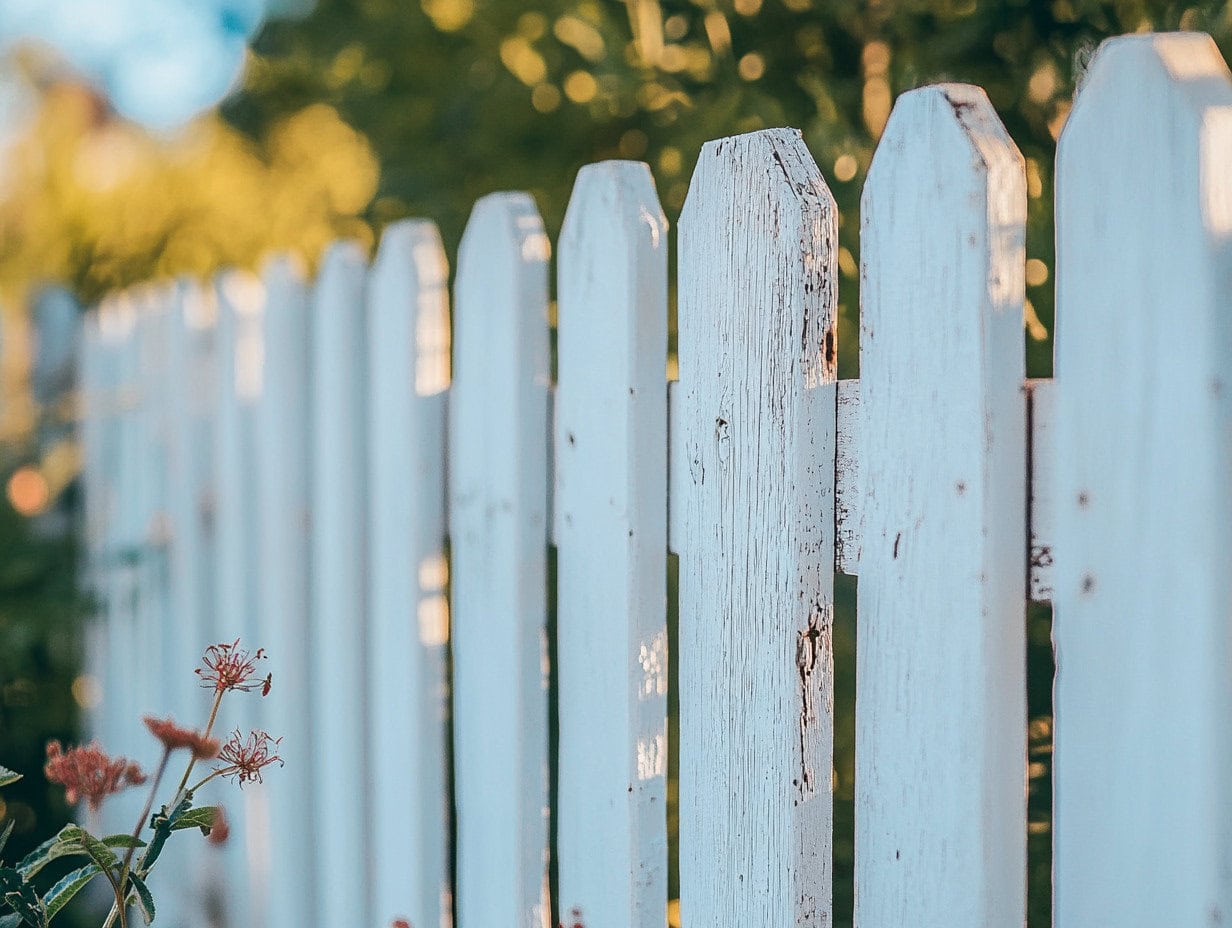
How to Paint Your Wooden Fence Like a Pro
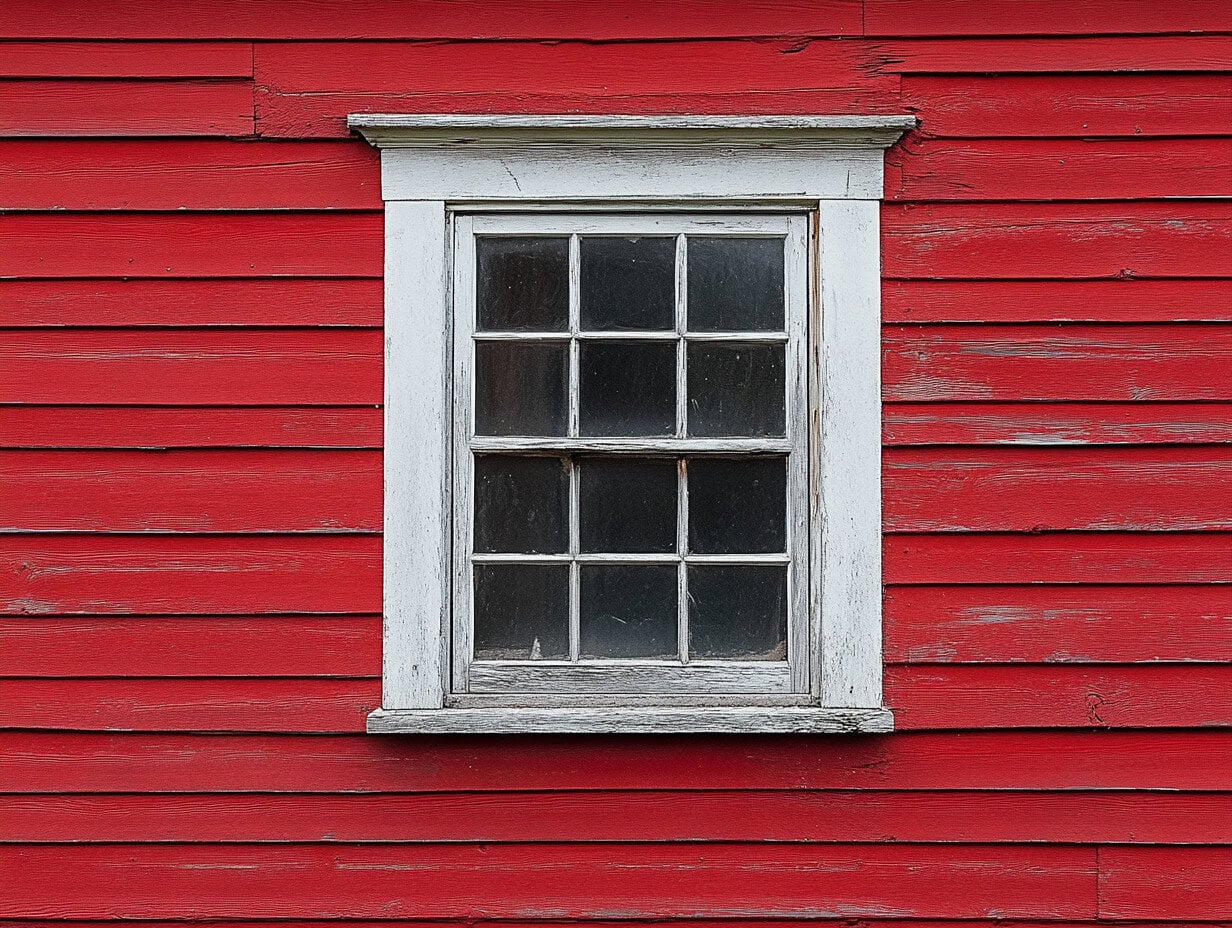
How to Paint Your Home’s Exterior Window Frames
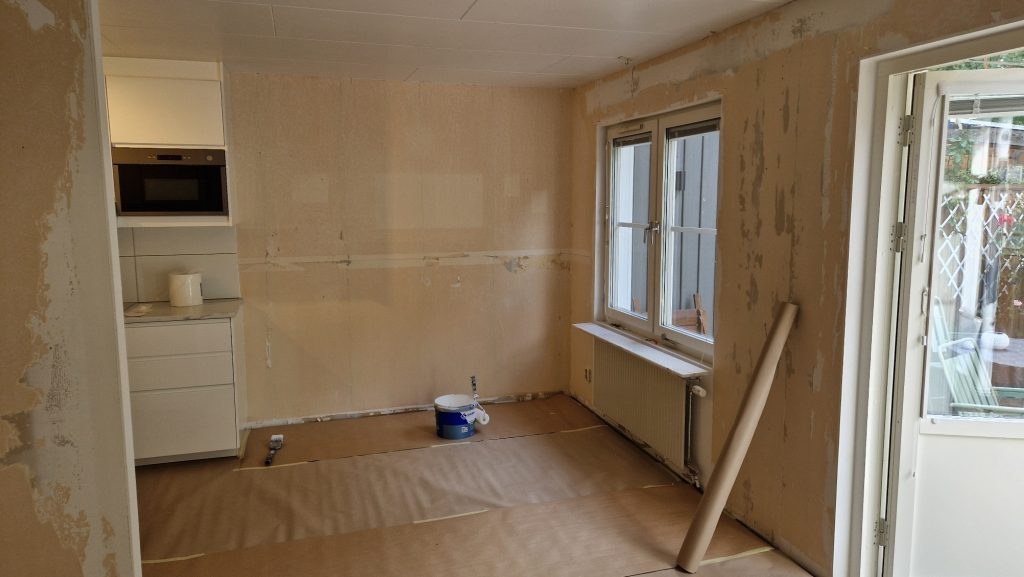
How to Paint Wallpapered Walls
Find the right guide

“I've spent 25 years learning what makes a paint job last. GoColorize is where I share all of it.”
Jan Walter · master painter
Quick answers
How do the free credits work?↓
A new account gets 20 welcome credits once. Each successful AI-generated image uses one credit, and you can see your remaining balance in the Studio.
How do I get the best results?↓
Upload a well-lit photo taken straight on, keep it under 10 MB, and pair it with a descriptive prompt or one of our presets to guide the AI.
Are my photos private?↓
Yes. Your uploads and results stay inside your account and live in private Supabase storage - we never share them without your permission.